
A marketing lead has one webinar recording, a product launch to announce, and three days to publish across several platforms. The recording needs short clips with captions, the launch needs a polished vertical announcement, and neither task leaves time for a long learning curve. That's the situation where tool choice stops being abstract.
Most products in this category look alike on a landing page. They promise templates, captions, resizing, and fast exports. What sets them apart shows up in editing depth, export limits, watermarks, and how quickly a free plan turns into a paid credit balance. A template editor won't repurpose a webinar well, and a clipping tool won't build a launch post from scratch.
The commercial pressure is real because HubSpot's summary of a 2025 survey reports that 89% of businesses use video marketing, 55% of marketers create entirely in-house, 14% outsource, 31% combine both, and 93% see strong return on investment. A tool therefore has to fit solo creators and collaborative teams without slowing either group down.
This comparison groups options by the job they handle best, covering template-led posts, vertical trend edits, repurposing, AI-generated first drafts, and spoken-word editing. Each review states the specific limit that matters in practice. The closing section turns those trade-offs into a direct matching exercise for the workflow a team already runs.
Related Articles
- Best AI Visibility Tools for 2026: 10 Platforms Compared
- Best Social Media Video Maker: 10 Tools Compared for 2026
- AI SEO Platform: What It Does and How to Choose One
- 7 Review Management Software Tools: A 2026 Buyer’s Guide
- Medical Virtual Assistant Services: A Practical Guide
- How AI Helps Brands Localize Video Campaigns
- AI Tools for Character Consistency in Brand Ad Filmmaking
If you are running out of ideas and don’t know what to write or talk about, our random topic generator can help you quickly find simple and interesting topics for writing, conversations, and brainstorming with just one click.
Table of Contents
- 1. revid.ai
- 2. Canva
- 3. CapCut
- 4. Adobe Express
- 5. VEED
- 6. Kapwing
- 7. InVideo
- 8. Animoto
- 9. Clipchamp
- 10. Descript
- 11. OpusClip
- How the Eleven Social Media Video Makers Compare on Free Access, Fit, and Main Limitation
- Matching the Tool to the Work You Actually Do
1. revid.ai
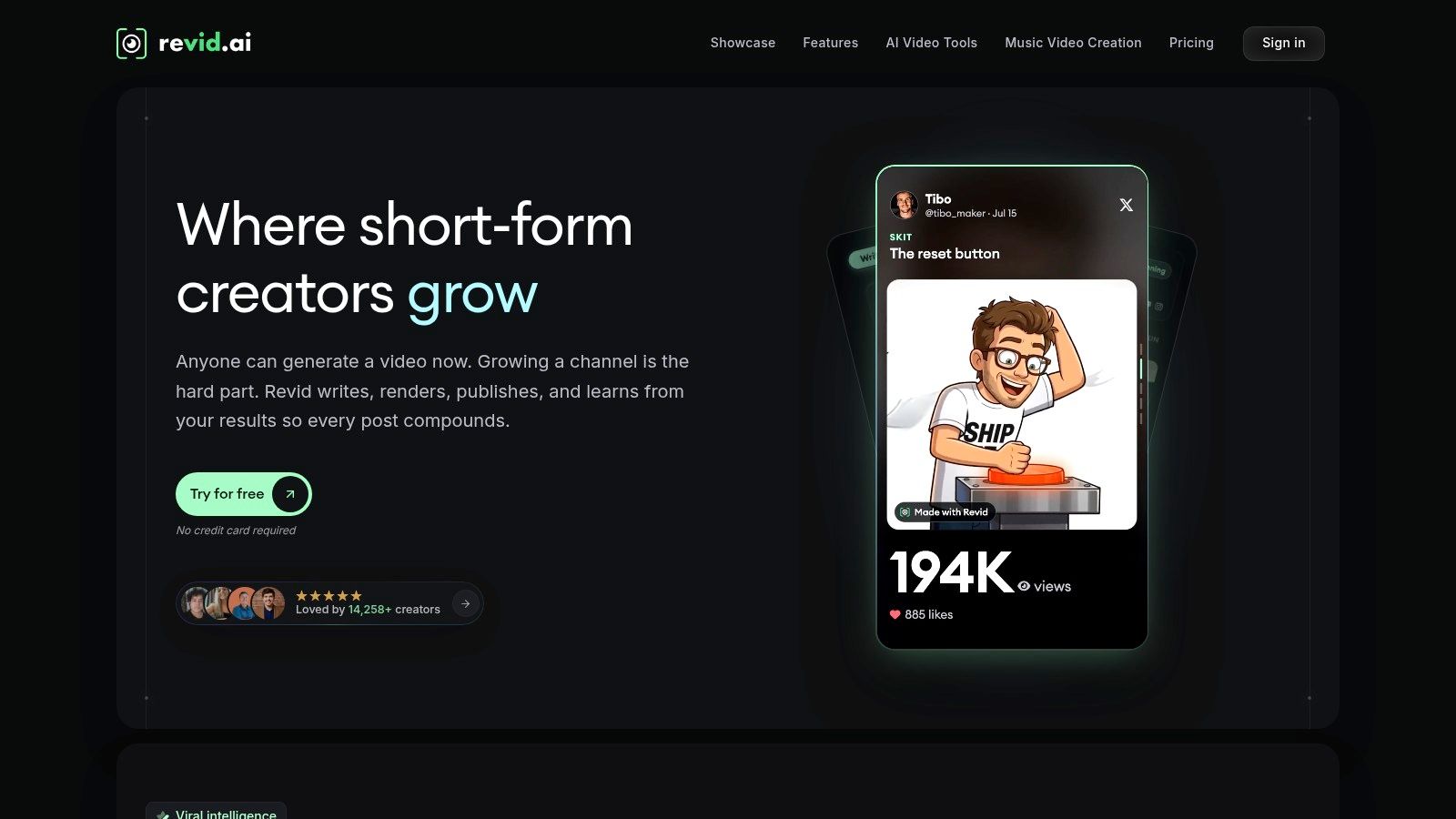
Revid.ai is built for creators and businesses that need publish-ready short videos for TikTok, Instagram, and YouTube without starting from a blank timeline. It turns an idea or an existing content link into a structured video draft, then hands the result to its editor for refinement. That starting point matters when the bottleneck is scripting and assembly rather than fine post-production.
Where Revid.ai Saves the Most Time
The platform combines trend discovery, script generation, and automated creation from sources such as blogs, subreddits, and social accounts. Instead of hunting for a format, writing copy in a separate document, and then rebuilding everything in an editor, a creator can work from source material that's already attracting attention. As an AI social media video maker, it suits teams publishing short-form content on a regular schedule, where the same production workflow repeats week after week.
- Trend-led starting points: Search features help identify content angles already gaining traction before production begins.
- Fast script drafts: Ideas and links become editable scripts, cutting the blank-page stage out of the process.
- A proper editor afterward: Generated videos can be customized instead of being accepted exactly as produced.
- Multiple source types: Blogs, community posts, and social accounts can all feed the same workflow.
Practical rule: Automation pays off when a team publishes often enough that scripting, not filming, is the recurring delay.
The main constraint is access. Revid.ai runs on paid subscriptions with credit-based generation, so there is no permanent free tier for testing the workflow at length, and heavy use means watching the credit balance rather than editing freely. Teams wanting frame-level timeline work or complex compositing will also need a dedicated editor alongside it. For creators building a consistent short-form presence with limited editing experience, the trade still makes sense, since volume and trend awareness matter more to them than bespoke craft.
2. Canva
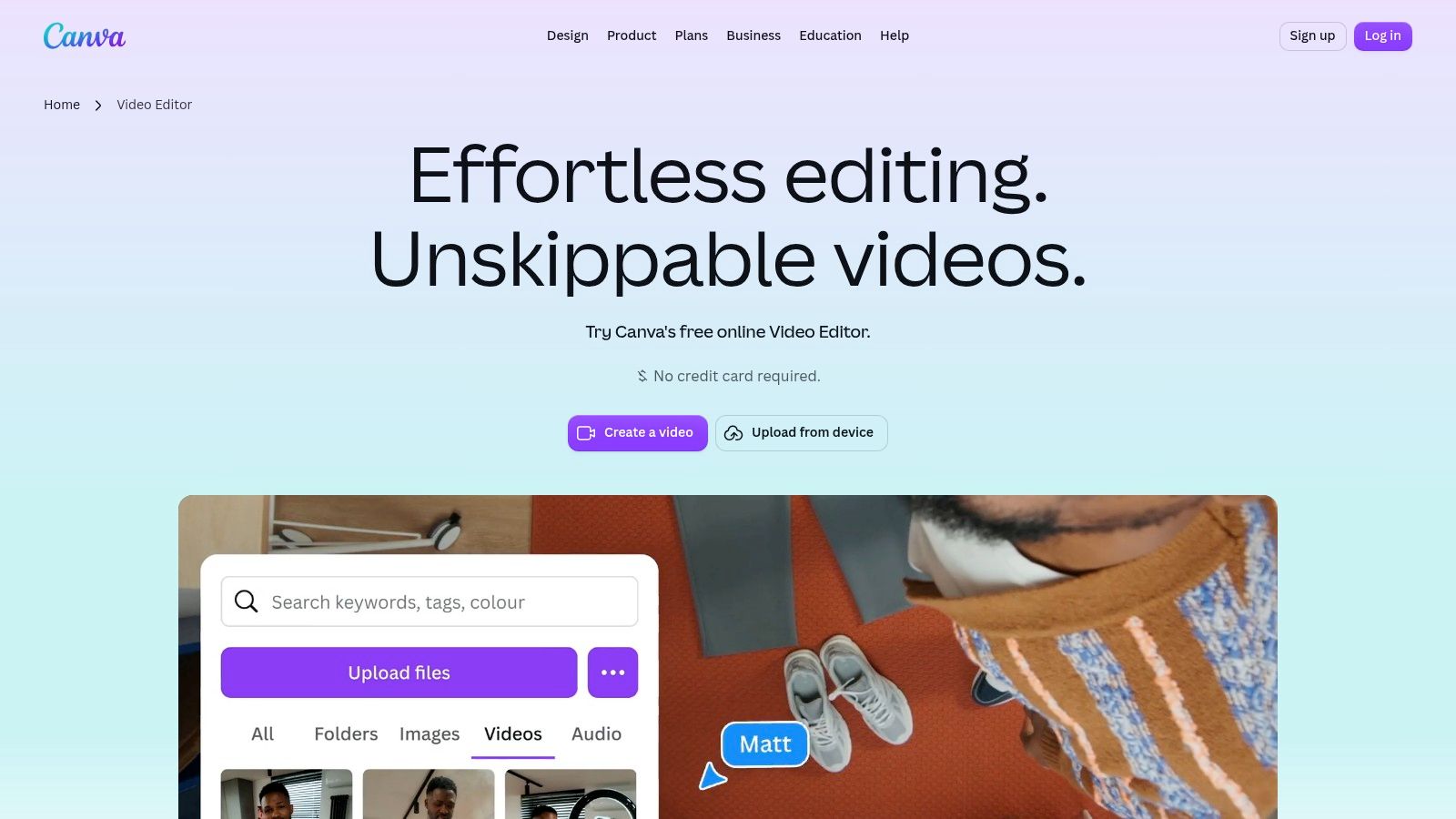
Canva suits teams that already produce graphics, presentations, and brand assets in the same place. Its video editor adds a multi-track timeline for footage, audio, and graphics, plus templates sized for common social formats. Resizing a design for another channel is straightforward, which helps when one campaign has to appear in several dimensions.
The Canva video editor also includes captions, animation, and Magic Video, which assembles uploaded clips and photos into a short draft. That draft still needs human judgement on pacing and framing, but it removes the slowest part of a simple montage. Direct sharing to supported platforms reduces export and re-upload steps for routine posts.
The Limit to Check
The free plan is truly usable, and watermark-free exports are possible when only free assets are used. Trouble starts when a template silently contains premium elements, since removing those marks or accessing stronger features requires payment. Editor updates may also reach accounts at different times.
Canva is the sensible Best Social Media Video Maker candidate for brand-consistent, template-led work. It isn't a replacement for professional editing software when precise cuts, layered effects, or detailed audio work drive the project.
3. CapCut
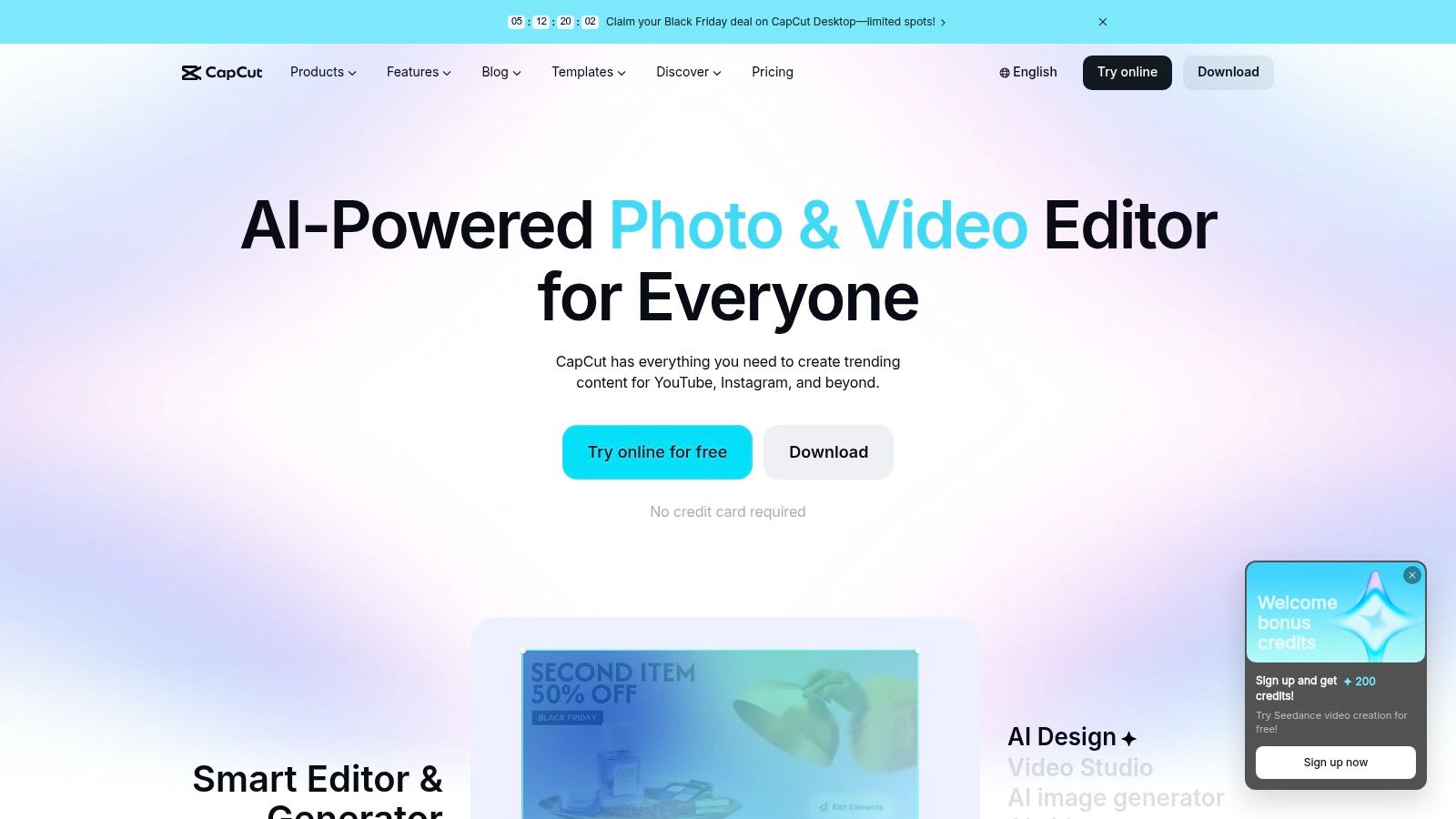
A creator who films, edits, and posts a Reel before lunch is exactly who CapCut is built for. Templates, effects, and auto-captions follow current TikTok, Reels, and Shorts conventions, and the tool runs on mobile, desktop, and web, so a rough cut started on a phone can be finished on a bigger screen.
Speed matters because short-form completion drops fast. As general platform context, third-party benchmark reporting puts completion for branded Instagram Reels under 30 seconds at roughly 25–50%, TikTok under 30 seconds at roughly 60–85%, and YouTube Shorts often at 70% or higher. Those figures describe the platforms, not CapCut itself, but they explain why quick iteration pays: on the CapCut platform, reordering a clip's first three seconds and re-exporting a variant takes minutes rather than an afternoon.
The practical limit sits in the export step. Pro-marked templates, effects, and AI features require a paid plan, and free export rules have differed across the mobile app, desktop client, and web version. Before promising a client a watermark-free file, check the export settings in the version you use.
Teams that need brand governance, approval workflows, or shared asset libraries will find CapCut thin next to tools built for marketing departments. A solo creator posting vertical video daily won't miss them.
4. Adobe Express
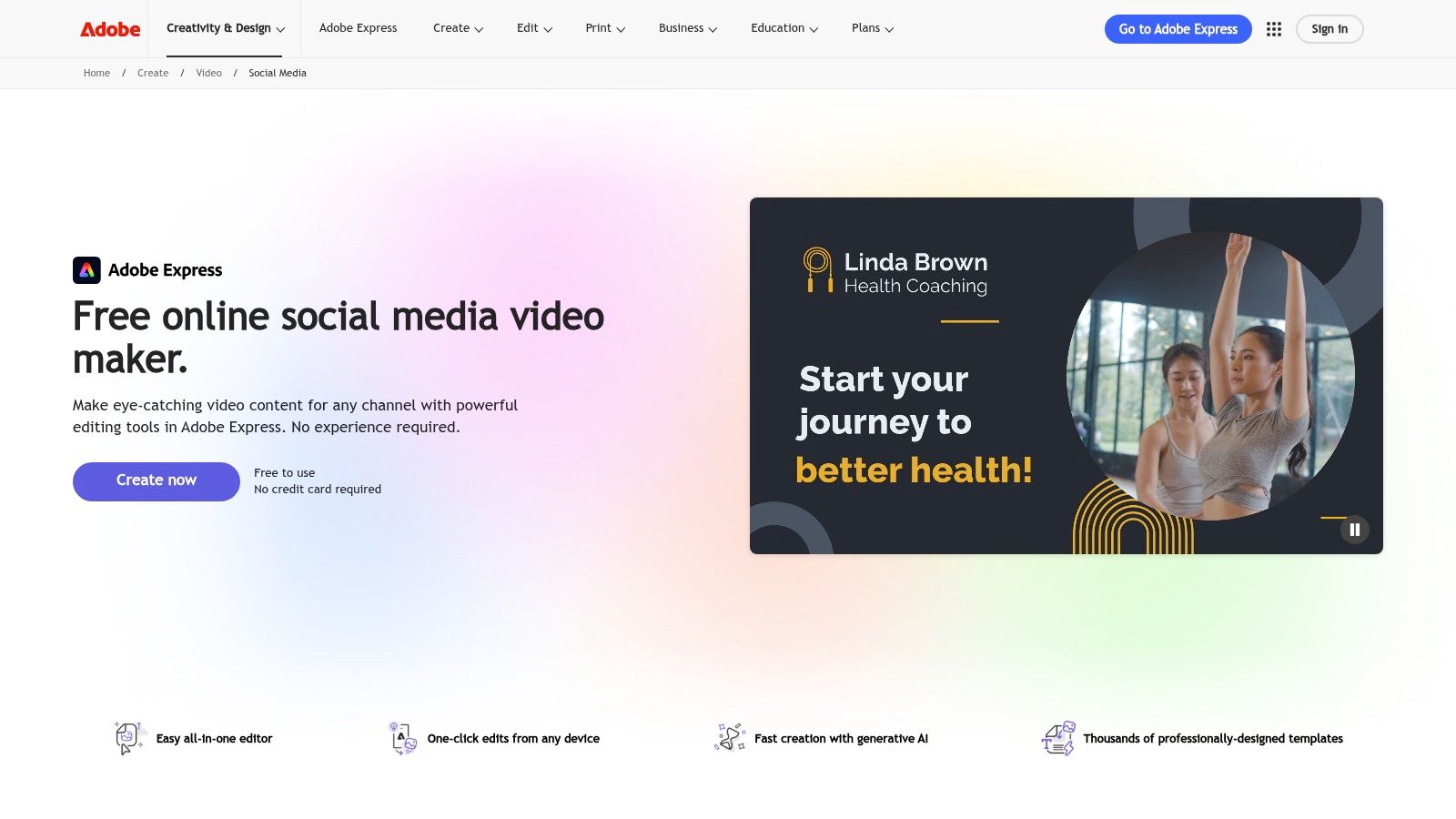
Adobe Express targets businesses that want social video, graphics, and scheduling without adopting a full editing suite. Browser tools handle trimming, splitting, cropping, and speed changes, while templates and Adobe Stock assets give each post a starting structure. The Content Scheduler then plans and publishes, so production and distribution stay inside one workflow.
Resizing is the feature that earns its place in this list. The Adobe Express social video tools reformat a finished edit for different platform ratios, so a vertical clip becomes a feed-ready square or widescreen post without rebuilding the timeline. For a marketing team pushing one campaign across several channels, that removes the most repetitive step in the process.
A scheduler attached to the editor only helps if the team actually publishes from it. Otherwise it's another dashboard nobody opens.
Free access has a clear ceiling. Premium templates and Stock assets stay locked, the scheduler caps how much planning and publishing a free account can run, and generative AI features draw on a limited credit allowance. Simple posts and workflow evaluation fit inside the free plan. Teams publishing daily hit the subscription wall on assets and scheduling before anything else.
Quick, consistent campaign content is the right job for it. Multi-layer edits, detailed color work, and complex post-production belong in a full editor.
5. VEED
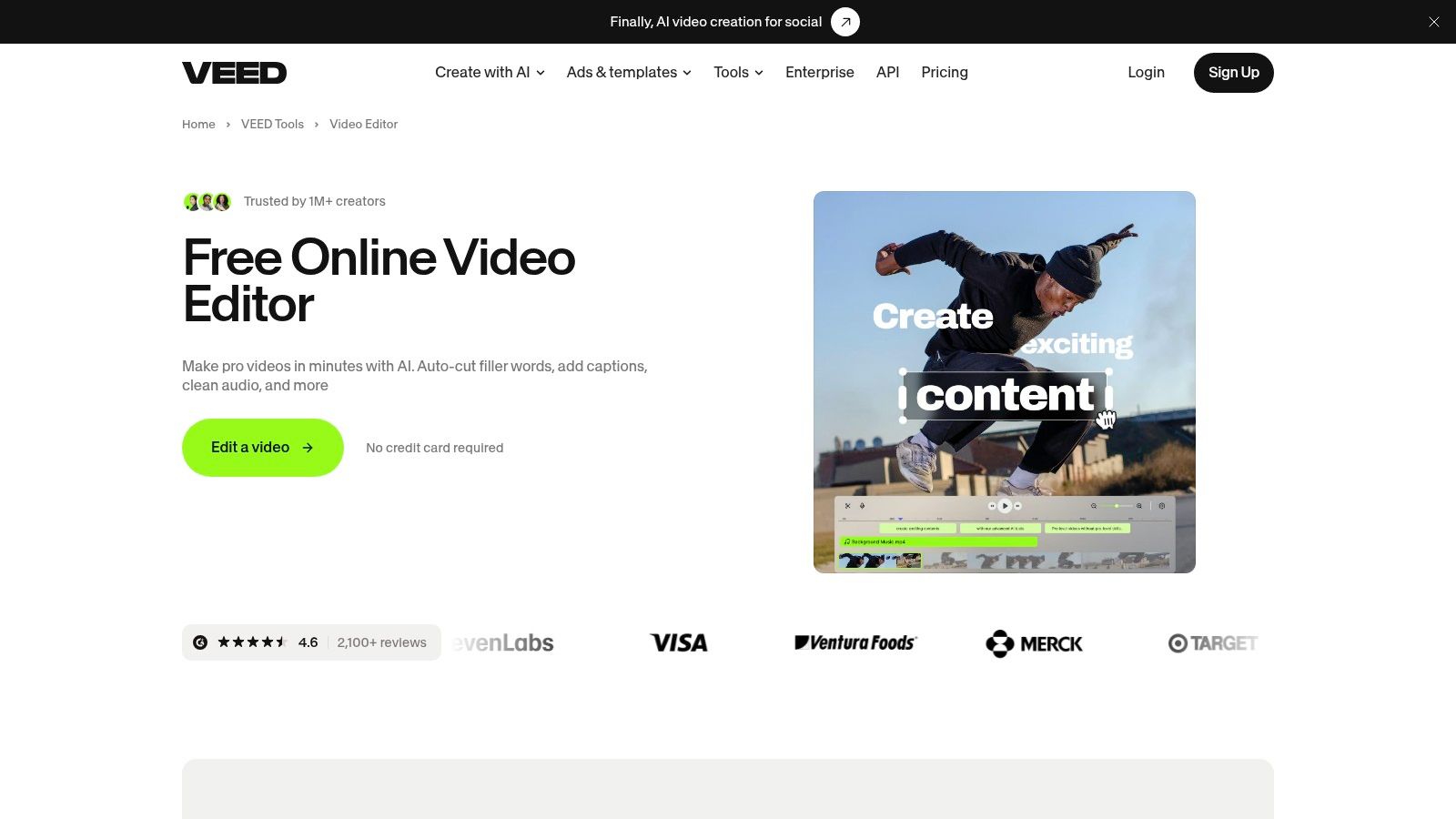
VEED runs entirely in the browser, so there is nothing to install. Creators can cut footage, clean up recordings, and add automatic subtitles from almost any machine, while shared workspaces and mobile apps keep distributed teams inside the same project. Talking-head content gets the most from this setup, since captioning and polish happen in a single pass.
Captions carry the message here. Industry coverage from 2025 notes that many Facebook Reels play without sound, so a muted viewer either reads the subtitles or scrolls past. The VEED video editor also generates a draft video from a text prompt with an editable script, which lets teams prototype an idea before anyone films. Coverage of how AI helps brands localize video campaigns extends that same caption workflow into multilingual output.
Where Costs Appear
Free exports carry a watermark, which makes the free plan an evaluation tier rather than a publishing one. Higher resolutions and stronger AI tools sit behind paid plans, and every AI generation draws on credits. Two teams on the same subscription can end up with different bills depending on how much they generate.
VEED suits teams that want browser access and subtitle-first editing. Anyone planning heavy AI drafts should estimate credit consumption per video before committing.
6. Kapwing
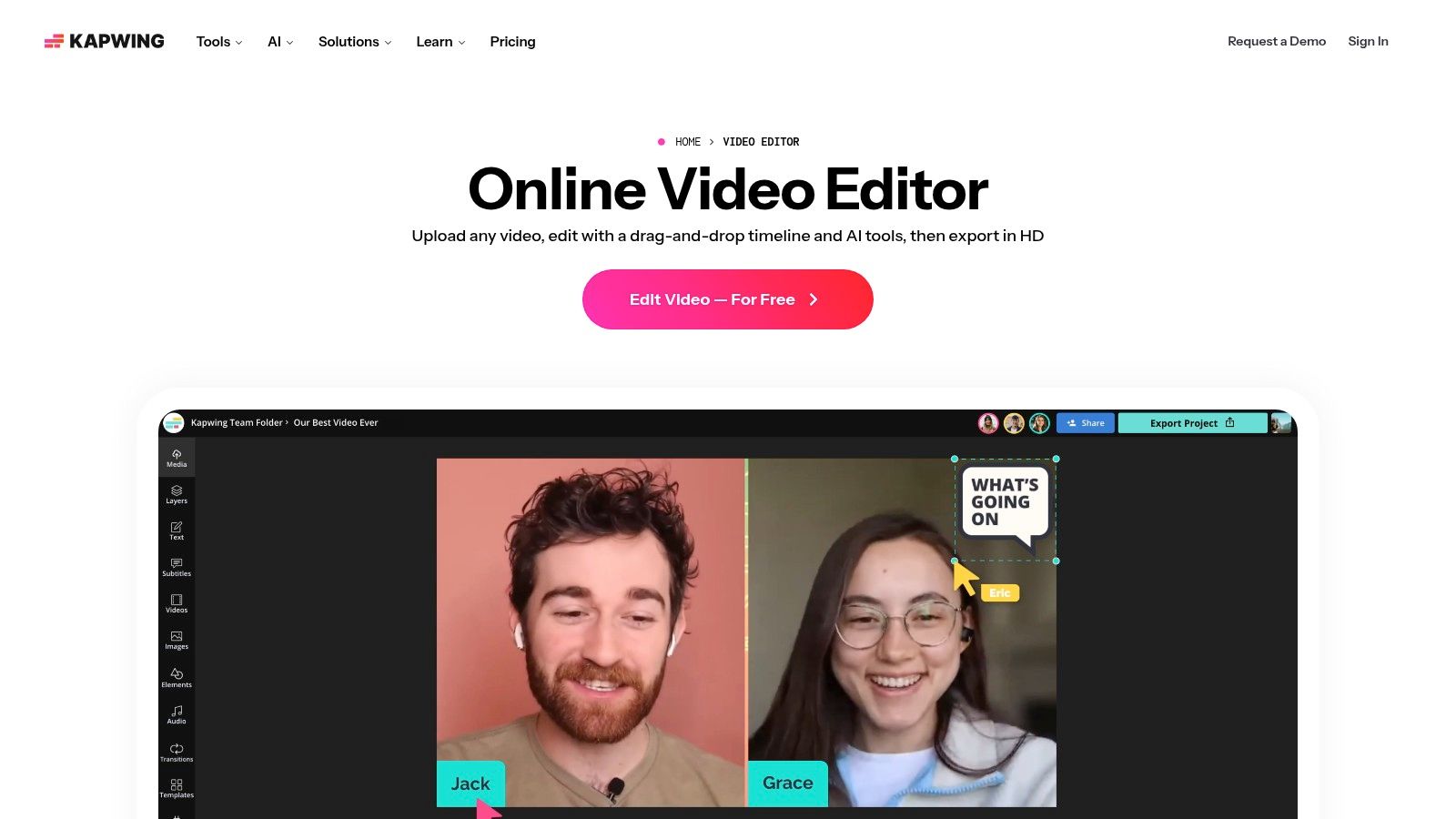
Existing recordings are Kapwing's raw material. Its AI Clip Maker finds short segments inside longer videos and formats them for social channels, which suits podcasters, educators, and businesses sitting on webinars and interviews. Timeline editing, resizing, background removal, and shared workspaces then support the manual finishing work that automated clipping handles poorly.
The scale of available raw material shows up in Metricool's 2025 report, which tracked roughly 5.7 million short-form videos across its analyzed accounts and recorded about 70% growth in posting volume. A library of long recordings that size is exactly what a clipping tool feeds on. The Kapwing video editor adds auto-subtitles and subtitle translation, so one recording can become several localized clips without separate transcription tools.
- Best use: Turning interviews and webinars into captioned short clips.
- Free-tier limit: Exports carry a watermark, with duration and resolution restrictions.
- Ongoing cost: AI features draw on monthly credits, and paid plans are subscriptions rather than one-time purchases.
Kapwing works well as a repurposing hub for collaborative teams. Heavy AI use can push an account toward an upgrade faster than expected, so credit allowances deserve checking against a realistic monthly publishing schedule.
7. InVideo
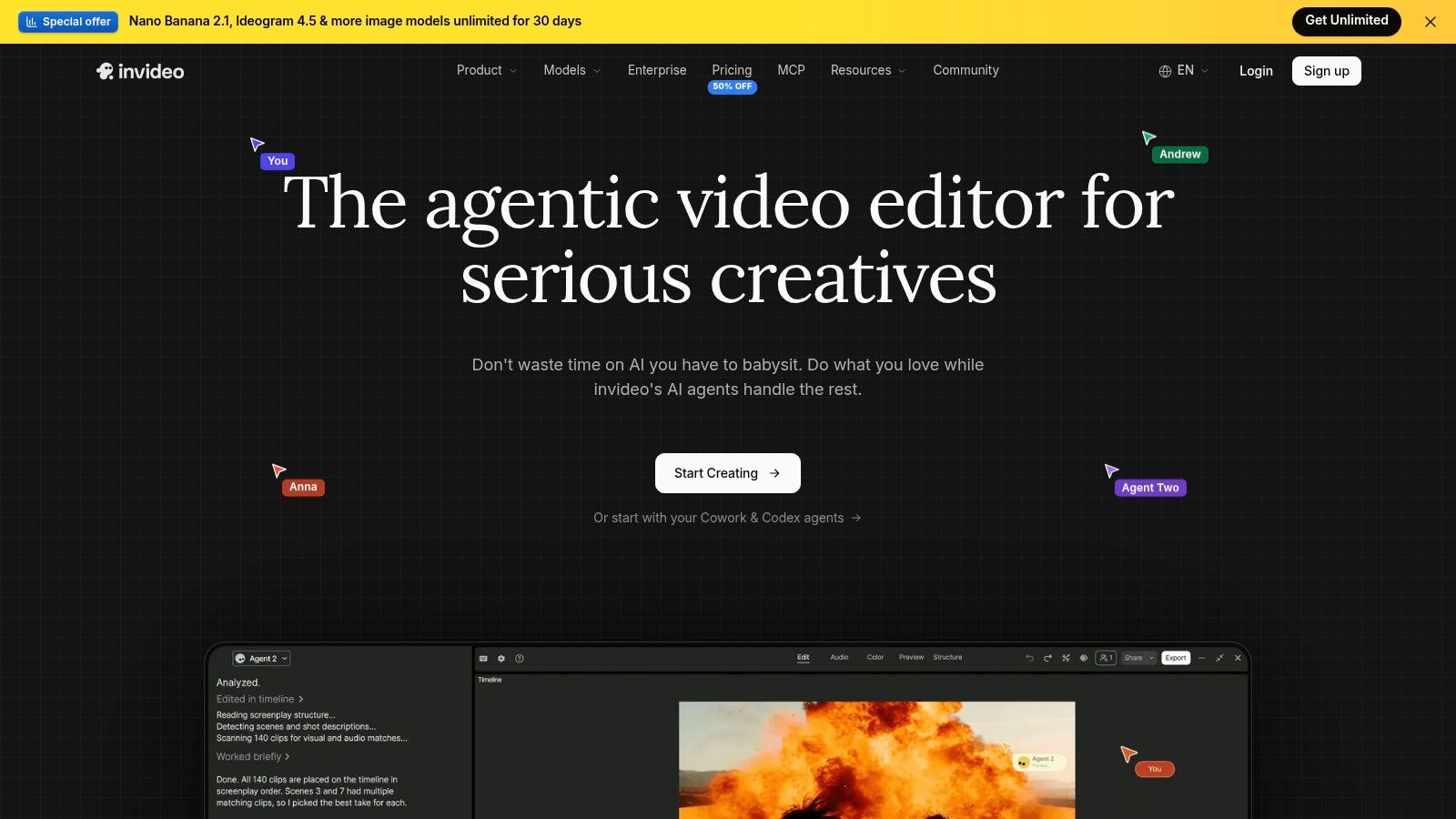
A written brief with no footage is the starting point InVideo is built for. Its AI generates a first draft from a text prompt, including script and media, and a timeline editor then allows manual trimming and rearranging. Plan to use that editor. A generated draft gives you structure, but pacing, clip selection, and phrasing typically need manual passes before the video is ready to publish.
AI assistance in video marketing is already common, since the State of Video Marketing 2024 report summarized by CIFFT found 75% of video marketers had used AI tools to help create or edit marketing videos in 2024. That figure covers AI features of every kind, from auto-subtitles to full prompt-to-video generation, so it describes the category rather than this specific workflow. On the InVideo platform, plan tiers vary by AI credit allowance, with collaboration available on selected levels. Teams planning recurring characters across generated scenes can also review guidance on AI tools for character consistency in brand ad filmmaking before building a campaign around them.
The Credit Question
Each generation or regeneration draws from the monthly credit allowance, and the draw depends on the model and output settings you choose. Two measurements matter during a trial: how many credits one finished video consumes once revisions are included, and how that total compares to a realistic monthly publishing count. Free-tier details also change over time, so check InVideo's current pricing page for whether free exports carry a watermark, what duration or resolution limits apply, and how many AI credits the free plan includes.
InVideo suits marketers who need a fast first draft from an idea. Predictable budgeting requires testing how many credits a typical finished video really consumes.
8. Animoto
Animoto takes the most guided route in this list. Templates assemble photos, text, clips, and music into promotional videos, announcements, and slideshow-style projects with minimal timeline work. For a small business producing a simple product or event video, that constraint is often helpful rather than limiting.
AI tools on the Animoto platform can generate a video from a description or a webpage URL, giving teams a starting draft from content that already exists. The result remains editable, and a music library plus social sharing cover the basics of distribution. Businesses planning that kind of campaign output may also find marketing content solutions for businesses useful context. Screen and webcam recording appear on its plans for simple explainers.
Subscription check: Work that only exists as a share link isn't safely archived. Important finished videos should be downloaded while the plan is active.
The free plan allows video creation without payment information, but free videos include an Animoto watermark. Downloading and sharing without that mark requires a paid plan, and videos or share links may be affected when a subscription ends.
Animoto fits straightforward, template-led announcements. Projects needing detailed timeline control, layered editing, or long-term hosted links without an active subscription need a different tool.
9. Clipchamp
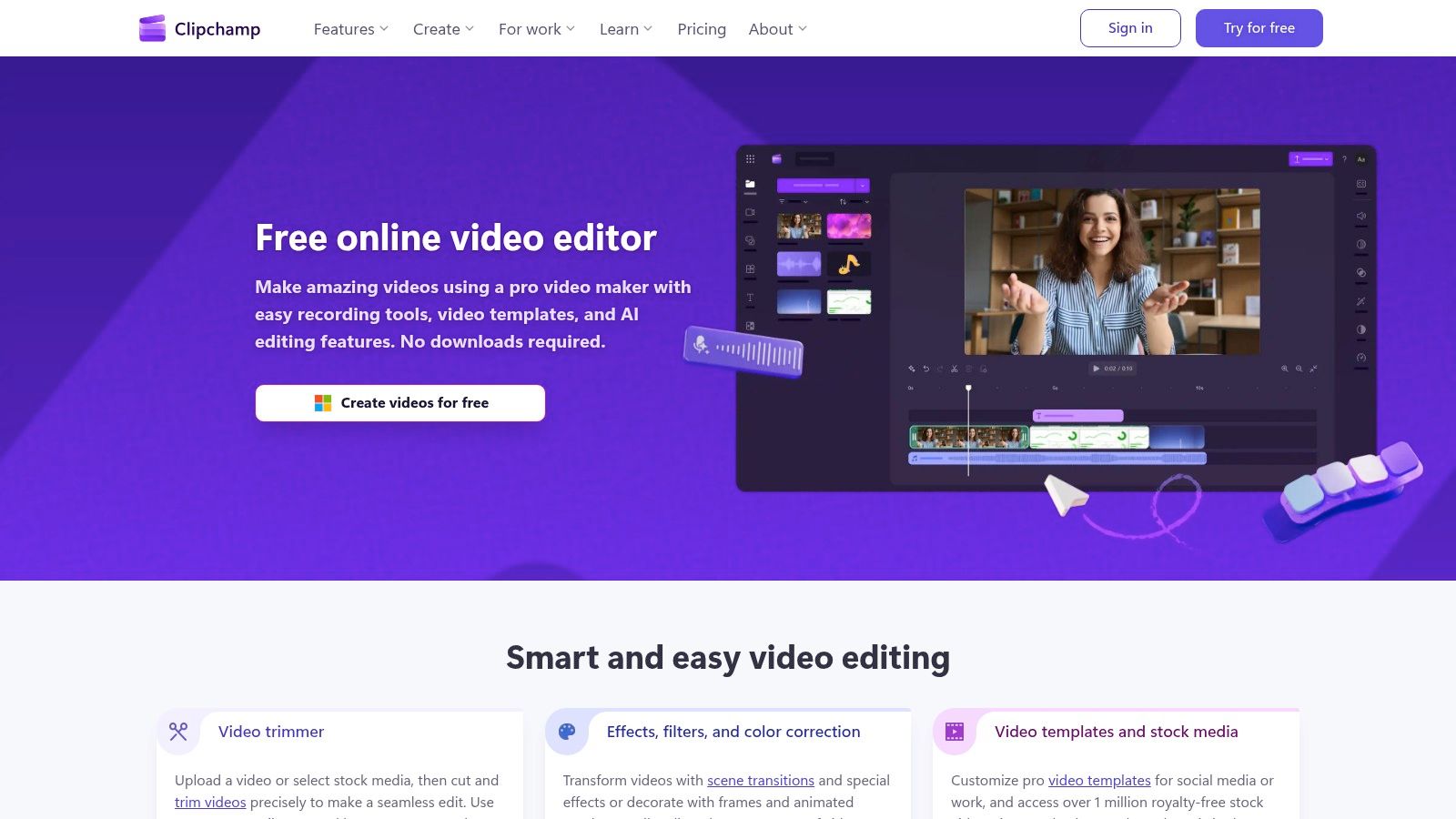
Clipchamp is the low-friction option for beginners, available online and built into Windows 11. Trimming, cropping, resizing, rotating, and arranging clips cover everyday social edits, while AI subtitles, voiceovers, and silence removal handle the tedious parts of screen recordings and explainers. Templates and stock assets round out simple promotional work.
Its free tier stands out in this comparison. The Clipchamp video editor includes free 1080p exports without a watermark, which removes the main barrier that makes other free plans unusable for publishing. The browser editor also avoids a download, so occasional editors don't need to maintain installed software for a handful of monthly videos.
What the Free Plan Doesn't Cover
Premium stock assets, a brand kit, and 4K exports require a Microsoft 365 Personal or Family subscription. It's also a general-purpose editor rather than a specialized social publishing platform, so scheduling and platform-specific workflows are thinner. Microsoft support information notes that desktop and mobile apps aren't fully connected.
Clipchamp is the pragmatic pick for basic editing at no cost. Teams needing brand systems and publishing tools will outgrow it sooner.
10. Descript
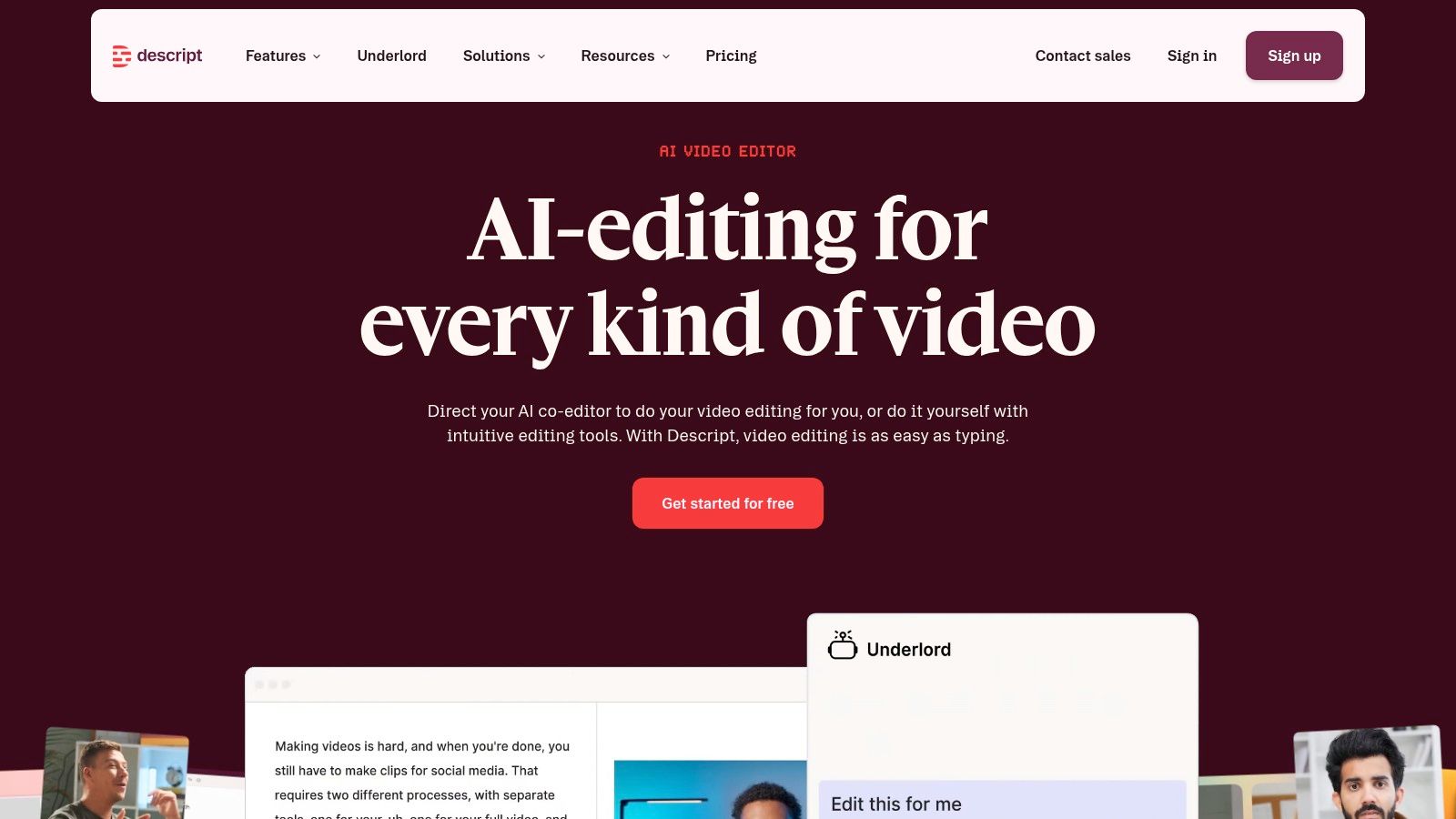
Editing words instead of waveforms is Descript's defining idea. It transcribes a recording, and deleting or rearranging text edits the underlying audio and video. For podcasts, interviews, and tutorials, that approach makes finding and tightening spoken sections far faster than scrubbing a timeline repeatedly.
The Descript platform adds dynamic captions, speaker detection, screen recording, and AI-assisted clip creation. Studio Sound and filler-word removal on paid plans clean up recordings made in imperfect rooms, which describes most remote interviews. Podcast and video workflows living in one product also reduce file shuffling between separate tools.
- Best fit: Spoken-word content where the transcript is the natural editing surface.
- Plan limits: Media hours and AI credits cap how much processing each tier allows.
- Adjustment cost: Editors attached to conventional timelines need time to trust text-based cutting.
Descript isn't built for template-led social design in the way Canva or Adobe Express are. A team whose content starts as conversation won't miss those templates. A team building designed campaign posts from scratch probably will.
11. OpusClip
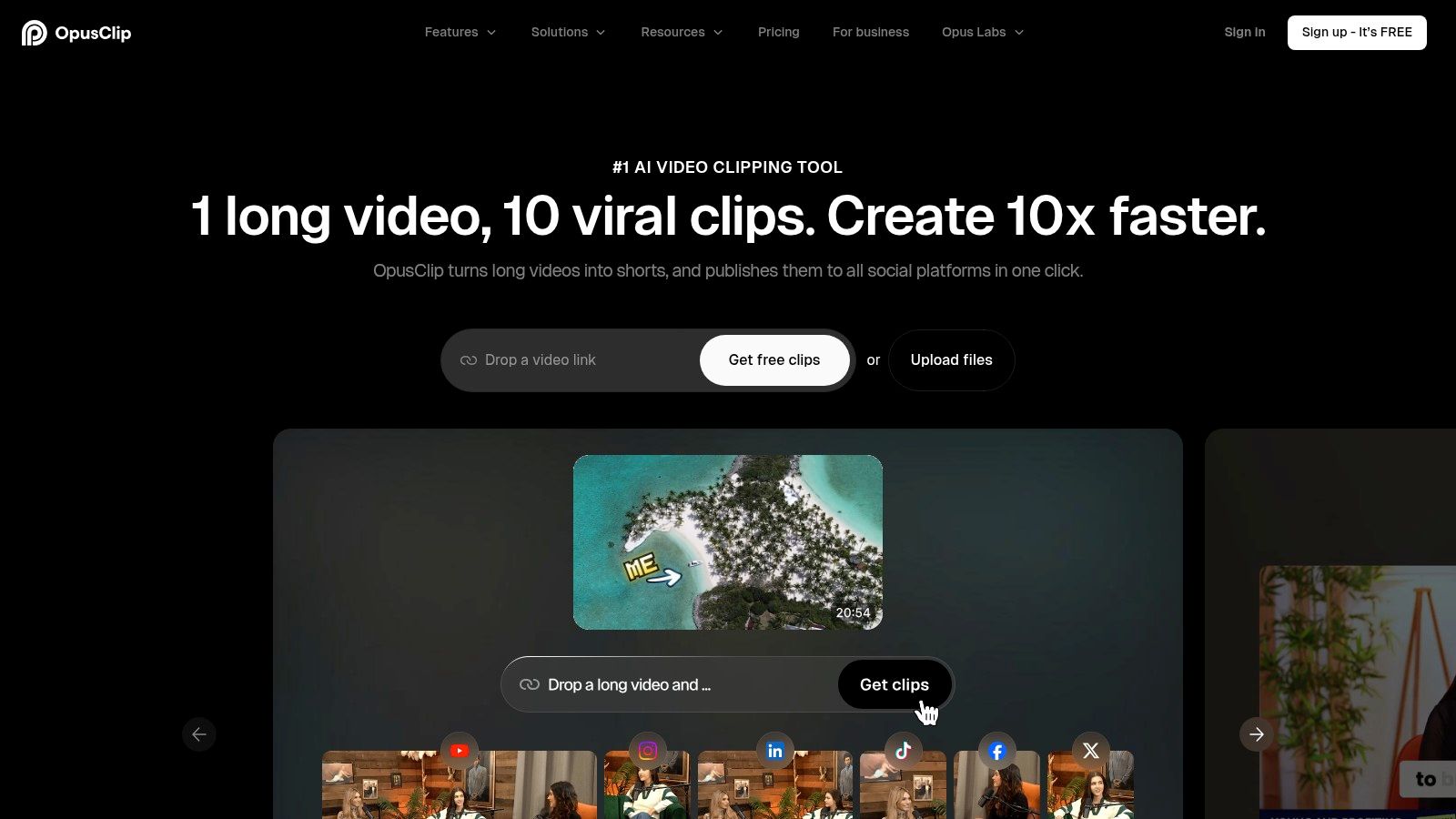
One long recording in, many short clips out. That is OpusClip's entire product. It scans footage for promising moments, applies a virality score, adds animated captions, and reframes everything vertically. Eligible paid plans add publishing and scheduling, so approved clips can move toward distribution without a second tool.
The score still needs human judgement per destination. Metricool's analysis of 5.7 million short-form videos found engagement and reach moving in different directions from one network to the next, which means a high-scoring clip has no guaranteed home. The OpusClip platform cuts the production work. Deciding where each clip belongs stays with the editor.
The Boundaries
OpusClip works on recordings you already have rather than generating videos from scratch, and finishing work still belongs to a general editor. Free exports carry a watermark, and how much you can export depends on the plan rather than one fixed cap. Automated picks need review too, since a moment that scores well can still lack the context that made it land in the full recording.
Podcasters and webinar hosts with deep archives get usable clips from hours of footage quickly. Teams producing original campaign creative will find it plays a supporting role at best.
How the Eleven Social Media Video Makers Compare on Free Access, Fit, and Main Limitation
The useful split is by job, not by an overall score: each tool solves a different production bottleneck, and each free tier stops at a different point.
| Item | Free Plan | Best For | Main Limitation |
|---|---|---|---|
| revid.ai | Not specified | Turning ideas or content links into social videos | Free-plan details are not provided |
| Canva | Available; watermark-free exports with free assets | Branded social videos and design work | Some assets and features require a paid plan |
| CapCut | Available for basic editing | Fast, trend-aware short-form videos | Premium assets and some AI features are paid |
| Adobe Express | Available with templates and basic editing | Quick social videos and content scheduling | Advanced tools and assets require a subscription |
| VEED | Available to try the editor | Browser-based editing, captions, and video cleanup | Free exports include a watermark |
| Kapwing | Available with export limits | Repurposing videos with clips, subtitles, and collaboration | Free exports include a watermark and have duration and resolution limits |
| InVideo | Plan details not specified | Creating a first video draft from a prompt | AI usage consumes credits |
| Animoto | Available; no payment details required to create videos | Simple promotional videos and slideshows | Free videos include a watermark |
| Clipchamp | Available with watermark-free exports up to 1080p | Basic social edits, screen recordings, and explainers | Premium assets and 4K exports require Microsoft 365 |
| Descript | Not specified | Editing podcasts, interviews, and other spoken-word videos | Media hours and AI credits are limited by plan |
| OpusClip | Available with limits | Turning long videos into short social clips | Free clips have watermarks and a short export window |
Matching the Tool to the Work You Actually Do
The fastest way to build a shortlist is to start from the raw material a team produces every week. A team with brand templates and campaign graphics should look first at Canva or Adobe Express, since both keep design consistency and resizing in one place. A creator chasing vertical trends on TikTok, Reels, and Shorts gets more from CapCut, where speed and current short-form conventions matter more than corporate brand controls.
Recordings point in a different direction. OpusClip and Kapwing turn webinars, podcasts, and interviews into captioned short clips without rebuilding each one manually, with Kapwing offering the broader editing workspace around that clipping. Descript suits spoken-word content best when editing the transcript feels more natural than editing the timeline, particularly for recurring shows and tutorials.
When there is no footage at all, InVideo and VEED can produce a first draft from a brief or prompt, and Revid.ai fits creators who want trend-led scripts and automated assembly on a frequent publishing cycle. Animoto covers simple template announcements, while Clipchamp handles basic editing with an unusually usable free tier. The right social media video maker is whichever one lines up with the starting point that describes an ordinary week.
That matchup only holds if the tool's limits fit the same workflow, so testing should run on the exact asset type the team publishes, with credit consumption, watermarks, and export rules checked on that file instead of a polished demo.
A Short Testing Method That Works
- Use one real asset: Run the same webinar clip, product brief, or phone recording through each shortlisted tool instead of judging demo content.
- Check export rules early: Confirm watermarks, resolution caps, and credit consumption on the free tier before building a full project.
- Test the exit: Verify how downloads and share links behave if a subscription lapses, and save finished files locally.
- Judge retention natively: Compare completion and average watch time inside each platform rather than trusting a generic score.
Decision shortcut: The best tool is the one a team will still open in week twelve, long after the feature page stops mattering.
Credit-based pricing deserves one final check. A tool that looks affordable per month can become expensive when every regeneration, AI clip, or high-resolution export draws from a limited balance. Flat, predictable editing often wins for steady publishing, while credits make sense when generation genuinely replaces filming.
A single tool rarely covers every starting point. Teams that publish both clipped interviews and template announcements often run two of them side by side, one tuned for volume and one for polish, which usually costs less than stretching one subscription across both jobs.
Pick two tools from the category that matches the current workload, run one real asset through both this week, and compare export quality, caption accuracy, and total credits consumed. Then commit budget only to the workflow that produced a publishable video with the least manual repair.